
Door Access
Manage secure building entry for employees, delivery drivers, guests and contractors from the same system that runs your phones.
Your business class personal assistant. FLEET MOBILE by Brandywine is your all-in-one business telecom and cellular solution — combining the flexibility of mobile devices with the reliability of desk phones, all in one secure, unified system. Designed for modern teams working in the office, in the field, or on the move.
Works alongside the tools your team already uses








Desk phones, cordless handsets, tablets and cell phones all run on the same platform, share the same address book, and answer the same number. Add a device and it provisions itself.
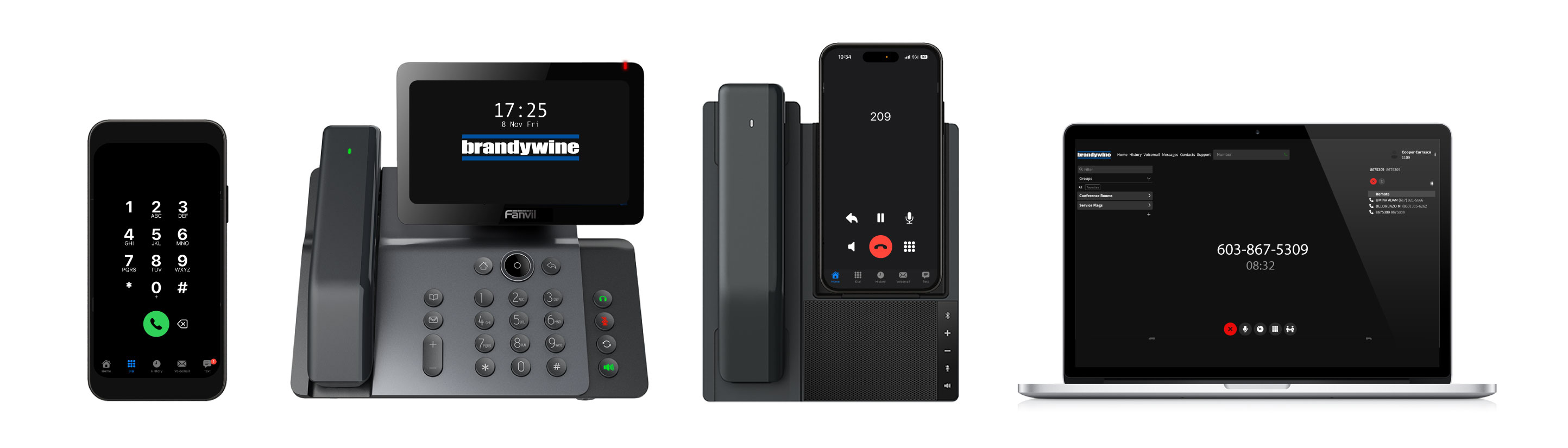
From call handling to messaging to door access, Fleet Mobile brings every communication tool your team relies on into one place.
Manage secure building entry for employees, delivery drivers, guests and contractors from the same system that runs your phones.
Use a 10 party conference line to connect 10+ callers. Simply dial in to the conference number.
With Brandywine, you can send and receive text messages from your business phone line, from your computer or smartphone.
Send and receive calls on your business line using your cell phone, so your business number goes wherever you do.
An automated attendant can handle basic tasks and direct callers to the appropriate extension.
Access your voicemail from anywhere via e-mail using your phone or desktop.
Send and receive faxes from your email — no fax machine required.
Access to analytics and detailed call history, call durations, etc.
Easily connect with your team using 4 digit extensions.
IT and managers stay in control, even when the team is on the road. Our team handles it all for you so you can spend less time opening IT tickets and more time focusing on your work.
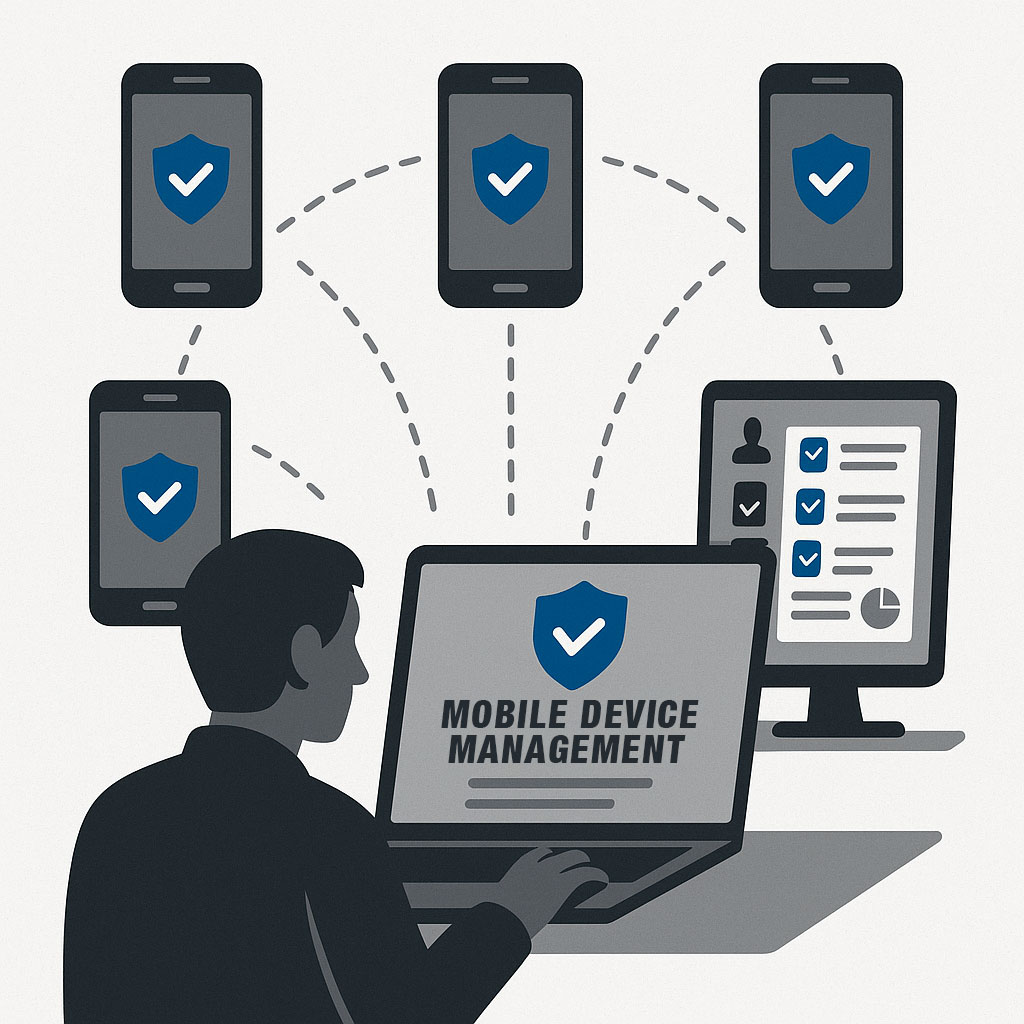
New phones and devices configure themselves the moment they are plugged in — no IT visit required.
Calls, messages and device data are encrypted in transit.
Full support across Android and iOS phones and tablets.
Wipe a lost or stolen device remotely to keep company data safe.
One management console covers every mobile device on your account.
From office teams to remote technicians, FLEET MOBILE adapts to your workflows.
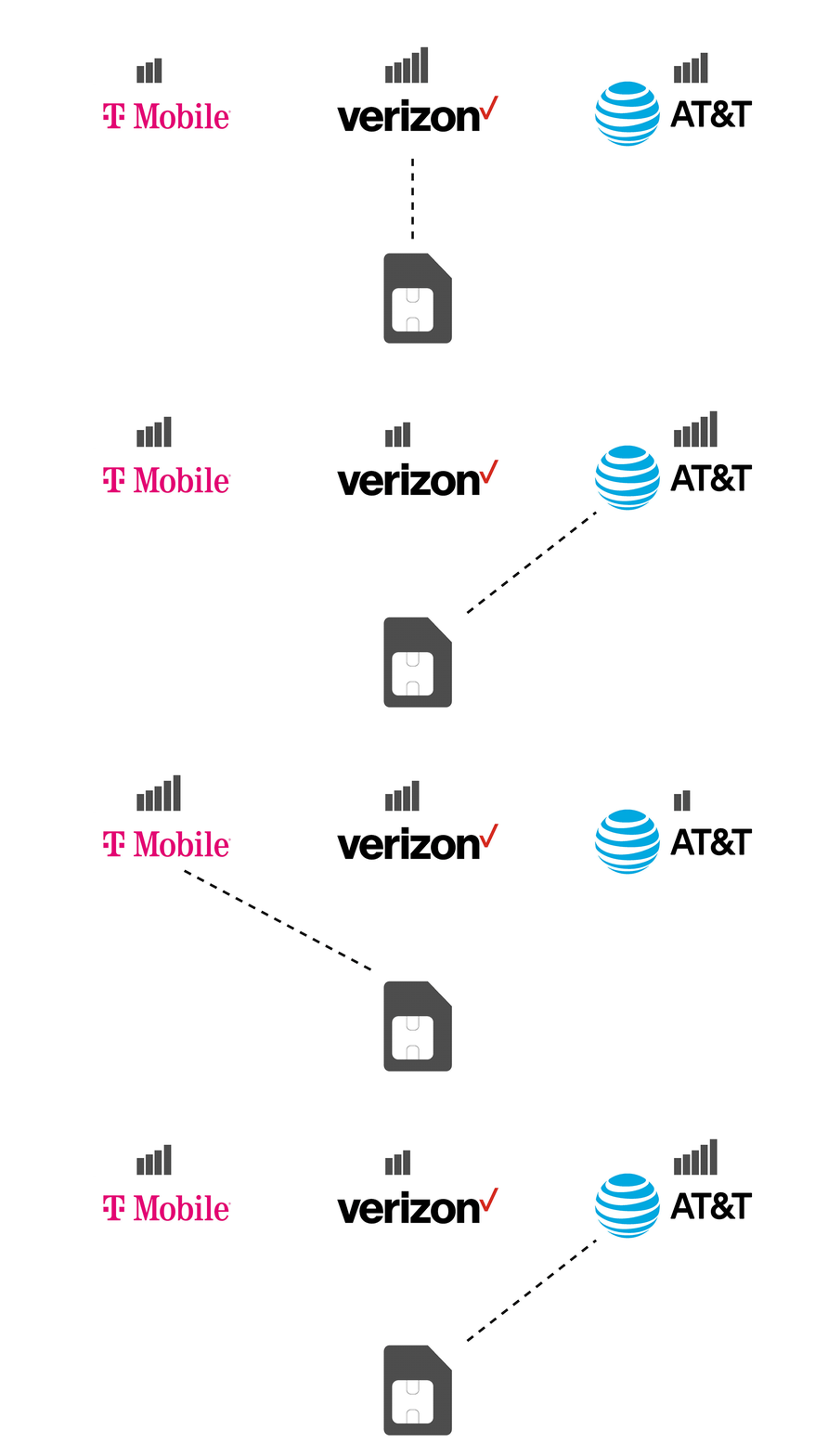
Our SIM cards automatically connect to whichever carrier has the best signal wherever your work takes you. No more dead zones on one network while a competitor's tower sits half a mile away.
Desk phones, rugged handsets, video bars and door stations — all provisioned, installed and supported by Brandywine.
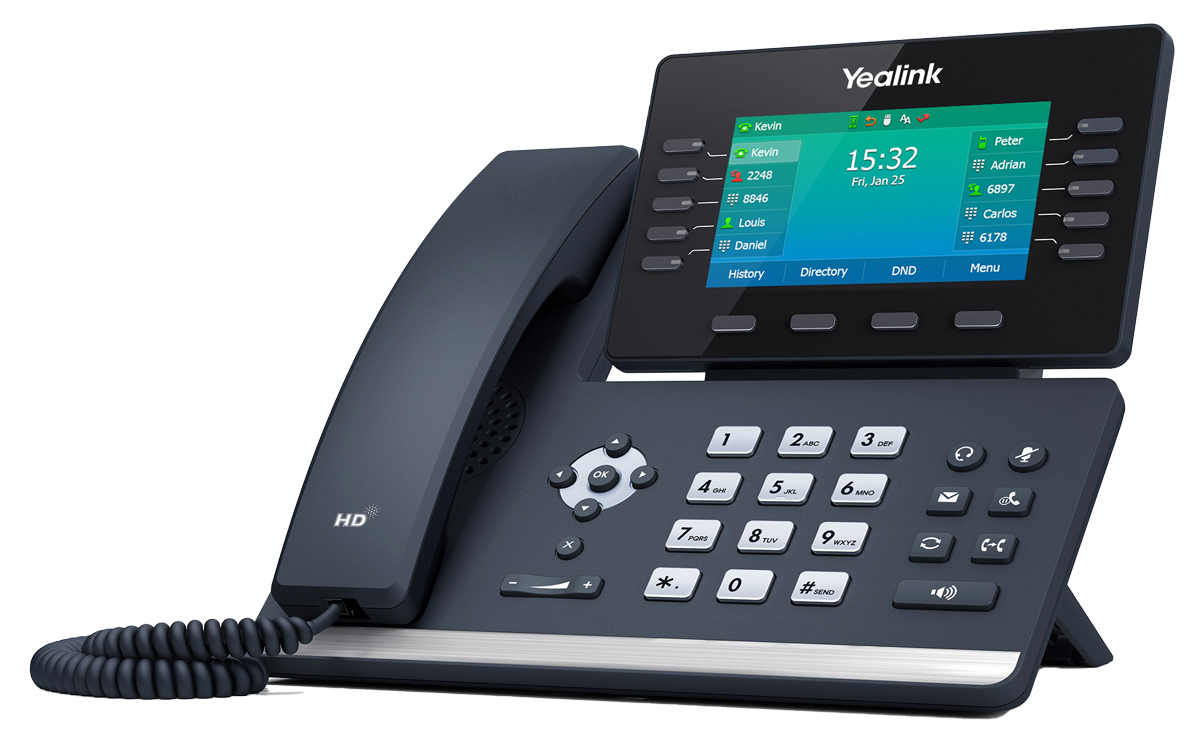
Office Phones
Prime business desk phone with an adjustable color screen, Wi-Fi and Bluetooth.
View details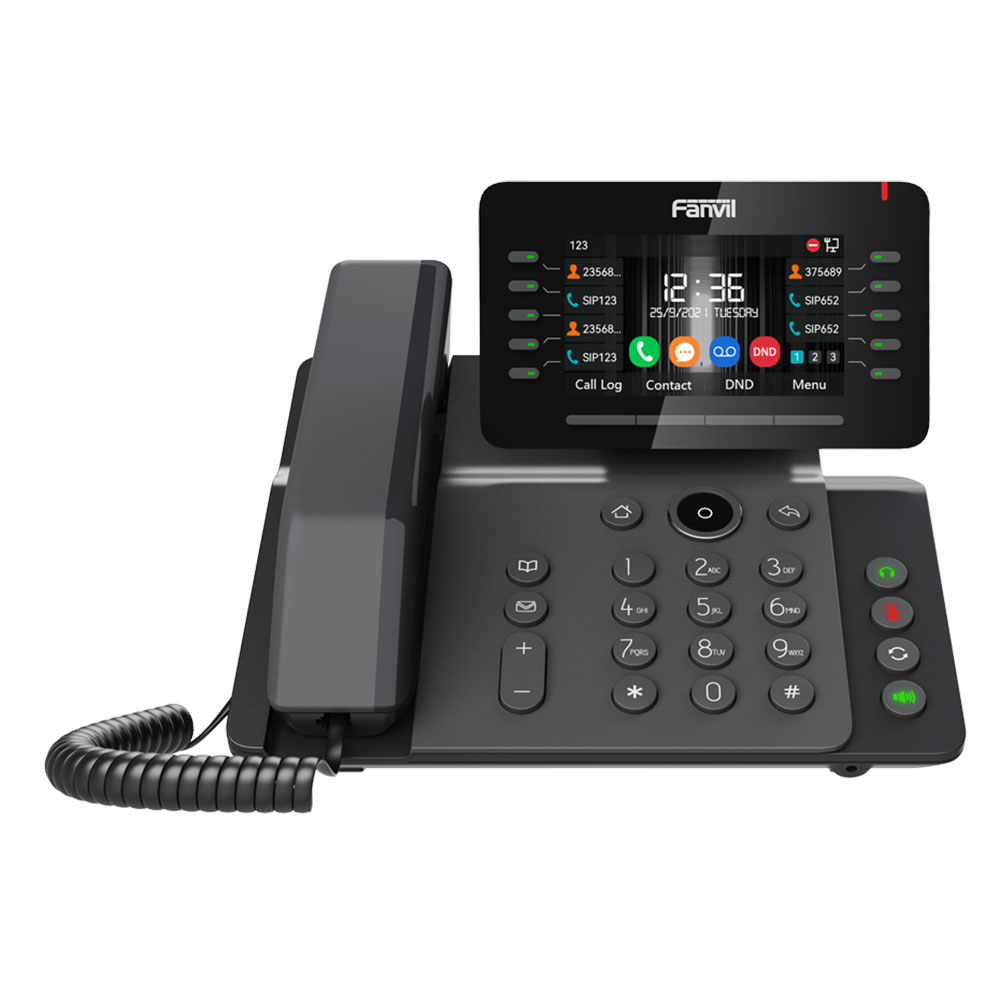
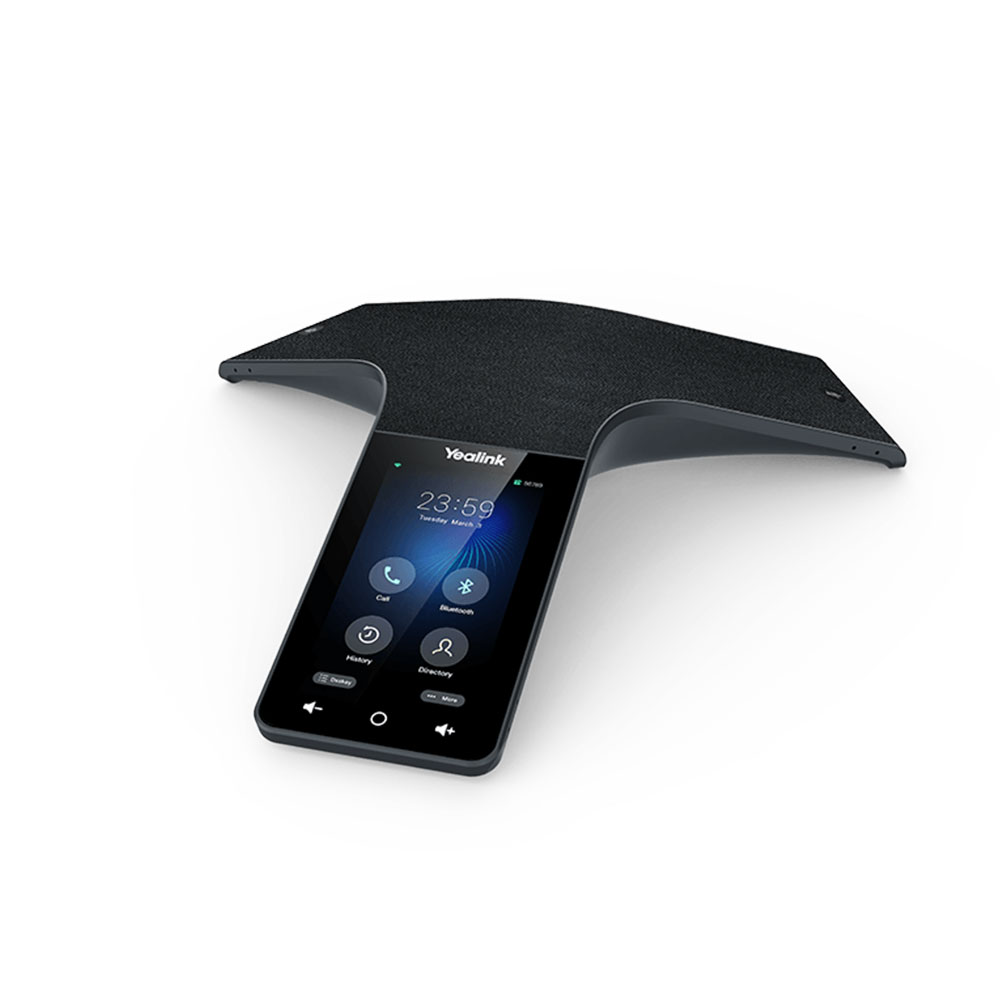
Conference Phones
Conference phone with a 13-microphone array and 360° pickup.
View details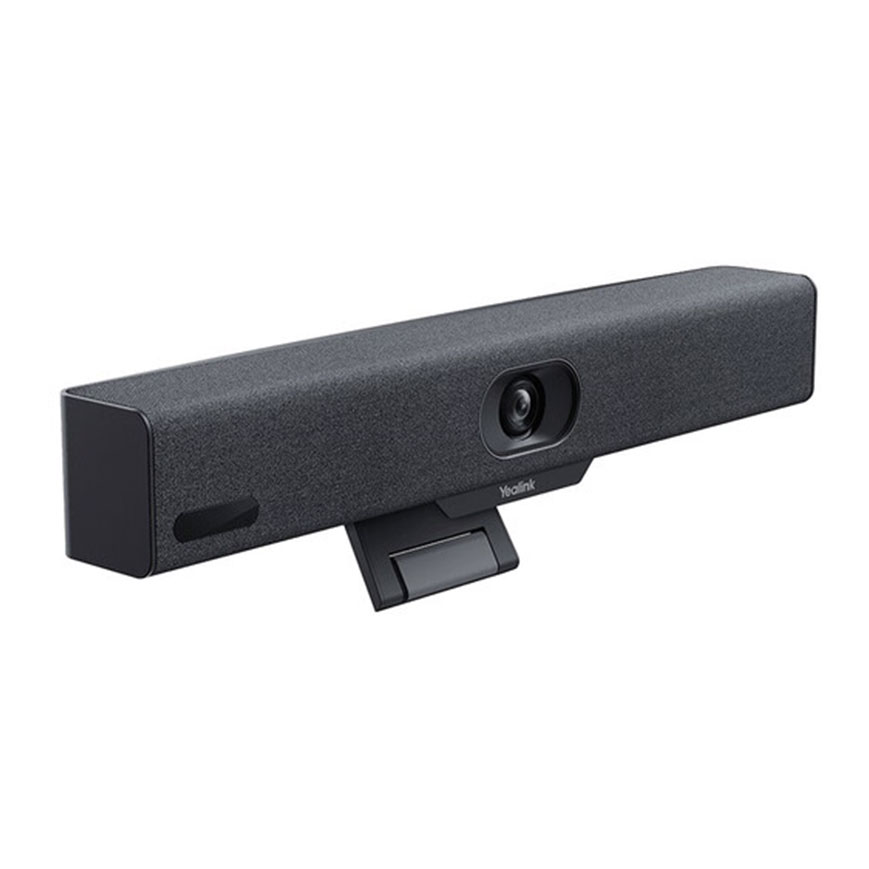
Video Conferencing
All-in-one 4K video bar for huddle rooms, Teams and Zoom certified.
View detailsFLEET MOBILE makes it easy to deploy, scale, and secure business communications — all under one system, branded and supported by Brandywine Technical Partners.