Start with a consistent setup
Plan enrollment, required apps, Wi-Fi settings, and device policies before a phone or tablet reaches its user. Automated enrollment may be available for eligible company-owned devices.
Brandywine offers mobile device management (MDM) for teams that work at a desk, on the road, and out in the field. Get the right apps and settings onto your business phones and tablets—with a team to help manage them.
MDM gives your organization a central way to configure supported devices, distribute work apps, and apply device policies. Our team helps you turn those controls into a practical plan.
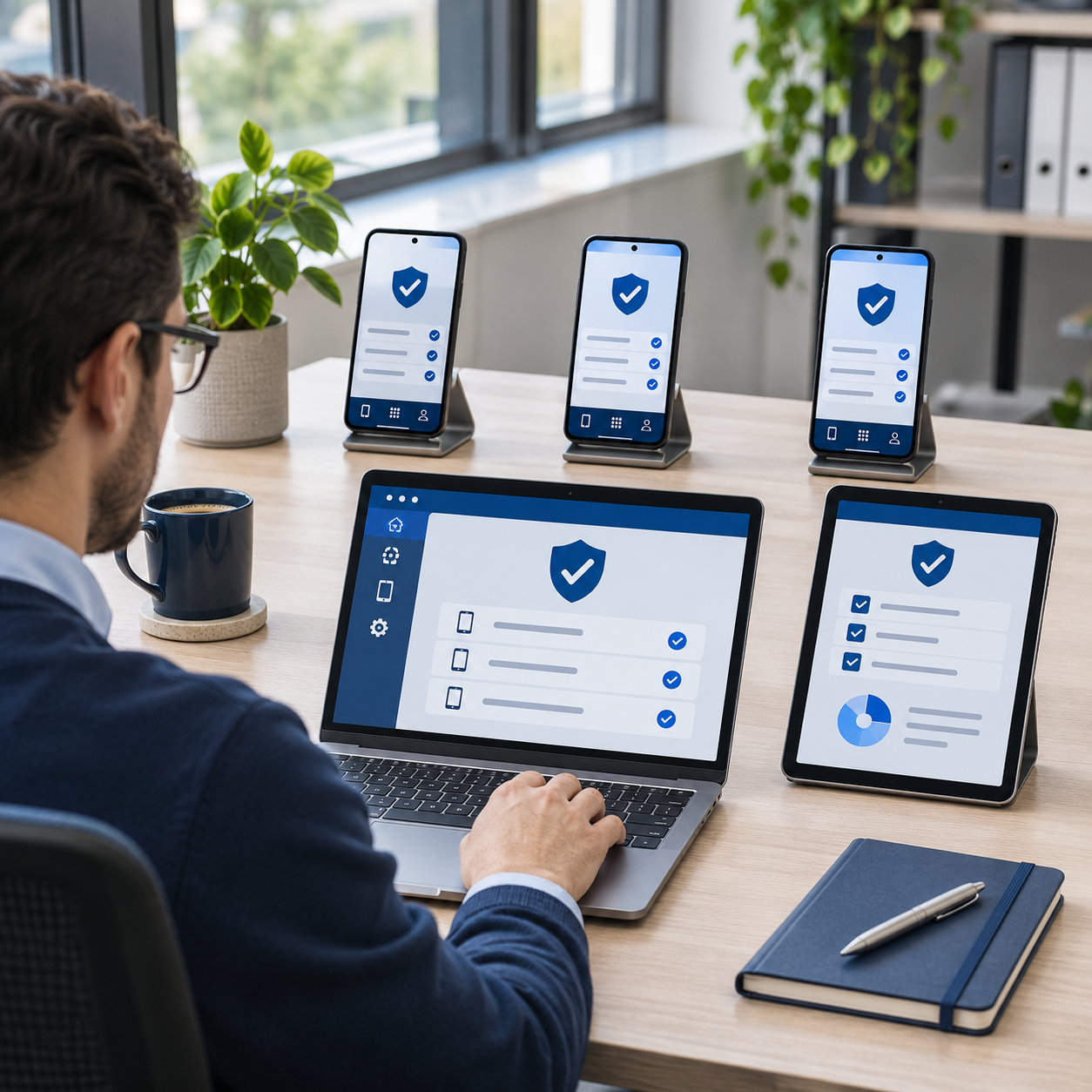
Plan enrollment, required apps, Wi-Fi settings, and device policies before a phone or tablet reaches its user. Automated enrollment may be available for eligible company-owned devices.
Give office staff, technicians, and mobile teams the approved work apps they need. Organize deployment by team instead of setting up every device separately.
Keep an inventory and a process for replacements, departures, and missing devices. Supported remote actions can include locking a device or removing managed work data.
Available controls depend on the operating system, management platform, ownership, and enrollment method. We confirm the supported options before rollout.
These examples extend the office, field, travel, and care scenarios on our homepage. They illustrate possible workflows, rather than reported customer deployments.
A new employee needs a phone ready for their first day. Your MDM plan could deliver approved communication apps and network settings, with an inventory showing who has each device.
A technician needs calling, dispatch, job forms, and equipment information away from the office. MDM could help keep approved work apps available across the crew’s supported devices.
A team member travels with a business phone and tablet. MDM could help distribute work settings and apps, while giving your team a defined response if a device goes missing.
A mobile care team uses phones or tablets for scheduling, communication, and visit documentation. MDM could help standardize device setup and distribute approved applications.
Device management supports your security practices; it does not by itself establish regulatory compliance or control what a clinical app permits.
For devices your organization owns, we can assess broader management options, enrollment, app deployment, and restrictions appropriate to the role. Dedicated or shared-device configurations depend on the platform and apps.
For bring-your-own-device teams, we review options for managing work apps and data while separating personal use where supported. Staff should understand what is managed, what administrators can see, and what happens during offboarding.
Explore platform capabilities: Apple device management and Android Enterprise management modes.
Tell us your device count, operating systems, ownership, existing tools, and must-have apps.
Agree on policies and responsibilities, then test the proposed setup with a small group.
Enroll the supported devices and establish a process for changes, support, replacements, and departures.
Fleet Mobile handles business communication. MDM manages the supported devices and work-app setup around it. We can discuss how they fit together for your team.
Explore Fleet Mobile features →We start by reviewing your device models, operating-system versions, and ownership. Apple and Android support different management options; we confirm platform compatibility and the proposed management service before you commit.
We can assess them first. Enrollment requirements vary, and some management approaches require a reset. We identify those steps and plan for user data and downtime before making changes.
Supported devices and enrollment types may allow remote locking, a full-device wipe, or removal of managed work data. The available action and whether it can reach the device depend on its platform, enrollment, and connectivity.
No. MDM helps deploy and manage supported apps and settings. App subscriptions, permissions, and workflows still need their own setup, and app licenses may be separate.
Contact us with your device count and requirements. We will scope the management platform, setup, and ongoing service so you can review what is included.
Tell us what your team uses today and where device administration gets in the way.